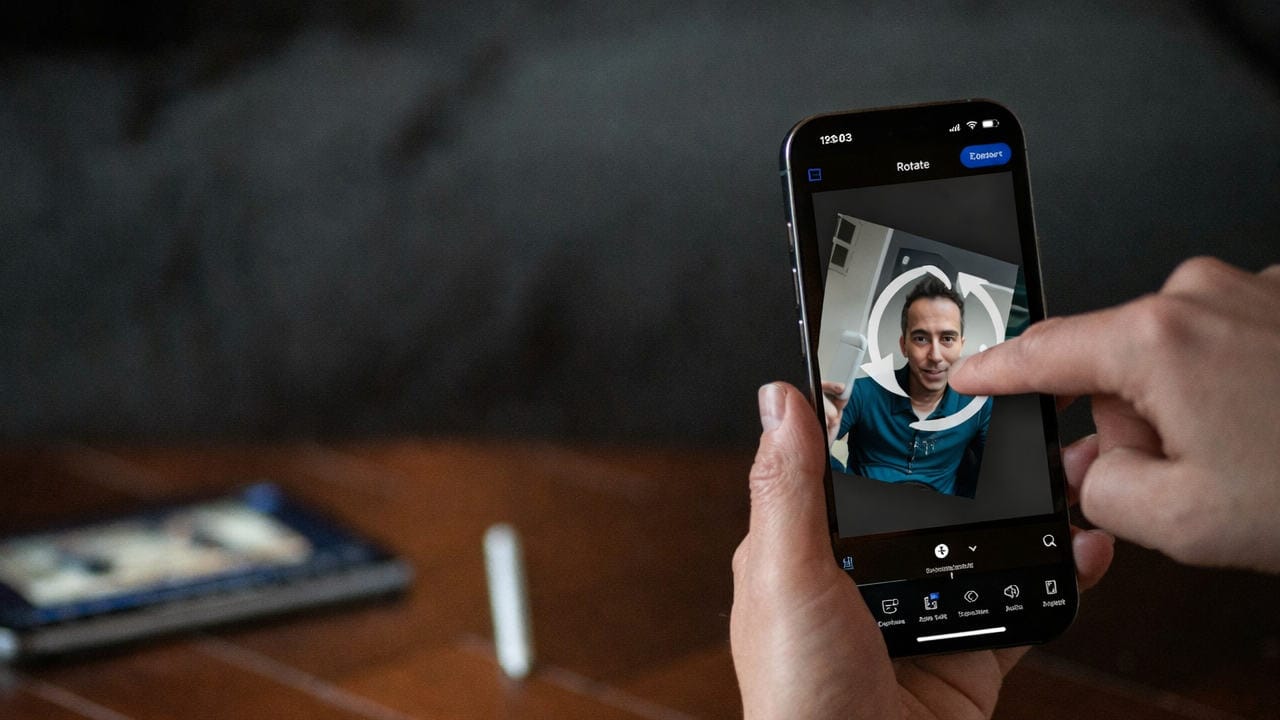
If you have recorded a video on your iPhone and it appears sideways or upside down, you can easily rotate it using built-in tools or third-party apps. The Photos app on iPhone includes simple editing features that allow you to correct the orientation of your video without needing additional software.
To rotate a video, open it in the Photos app, tap “Edit,” then select the crop and rotate icon. From there, you can rotate the video in 90-degree increments until it is correctly oriented. Alternatively, several apps available on the App Store provide more advanced video editing options if needed.
**Why this matters**
Correctly oriented videos improve viewing experience and ensure that your content appears as intended when shared. Rotating videos directly on your iPhone saves time and eliminates the need to transfer files to a computer for editing.
Source: NewsData